

 3D Wallpaper
 Wallpaper 4K
 Video Wallpaper
 Wallpaper Images
 Slideshow Wallpapers
 Parallax Wallpapers
 Boomerang Wallpapers
 Color Wallpaper
 Blue Wallpaper
 Red Wallpaper
 Black Wallpaper
 White Wallpaper
Aesthetic 4K Christmas iPhone Wallpaper
Explore a stunning collection of aesthetic 4K iPhone wallpapers, including festive Christmas designs. Perfect for adding a cute and personal touch to your iPhone with high-quality, eye-catching wallpaper options.










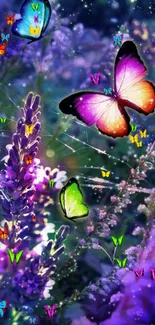
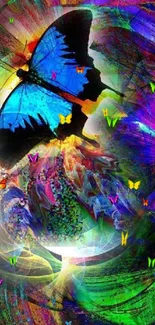
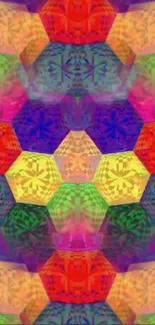



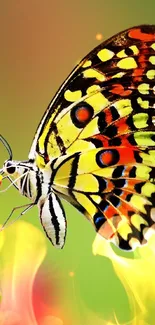






















Steps to change your wallpaper on your iPhone
- Choose your favorite iPhone wallpaper from our collection
- Download our iOS wallpaper app
- Activate the wallpaper on your iPhone through the app
Follow our detailed guide on how to set up live wallpapers on iPhone.
Important: Live Wallpapers only work on 3D touch devices like iPhone 6S, iPhone 6S Plus, iPhone 7, iPhone 7 Plus, iPhone 8, iPhone 8 Plus, and iPhone X. But you can download and create static wallpapers in 4K high-resolution quality from the same collection with the same app on all iPhone models that use iOS 14.0 or higher.
Frequently Asked Questions
How do I get live wallpapers on my iPhone?
You can get the best live wallpapers for your iPhone by downloading and installing our Live Wallpapers & Lockscreens app from the App Store. From there, you can browse our gallery and apply the background image you like on your phone's home and lock screens.
Is there live wallpaper on iOS 16?
You no longer can use interactive and animated wallpapers starting with the iOS 16 update but there are other cool wallpapers with 3D depth in our Live Wallpapers & Lockscreens app that can be just as good.
Can I set a video as a wallpaper on my iPhone?
Yes. You can use our app to set a video as wallpaper or live wallpaper on your iPhone. Download our wallpaper maker app from the App Store, install it, and select the video from your phone that you want set up on your phone screen.
How can I enable live wallpapers on iOS 17?
To enable live wallpapers on iOS 17, download our live wallpaper phone app from the App Store. Once installed, you can select your favorite wallpaper and apply it on your iPhone.

LiveWallpapers © 2025